QR Code Ideas: 30+ Real Ways to Use One, With How-To
See 30+ ways to use a QR code, from restaurant menus to weddings and name badges, and make any of them free with FreeQR in minutes.
By the end, you'll have a shortlist of QR code ideas and a fast way to make each one.
A QR code links something physical to almost anything online. Point one at a menu, a video, a form, or your contact details. The skill is matching the place to the payoff. Below are more than 30 ideas, grouped by who you are.
Key takeaways
The real question behind any idea is simple: what should someone see or do after they scan?
Match the place to the payoff. A menu belongs on the table, a how-to video on the box, your contact on a name badge.
You can make any idea here free with FreeQR's QR code generator. Use a dynamic QR code so you can change where it points after you print it.
QR codes are everywhere, but it's not obvious what's worth making one for. Most idea lists stop at inspiration; this one pairs each idea with a quick way to build it.
QR code ideas for business and marketing
In business, a QR code turns any printed surface into a doorway to your best online page.
Flyers, posters, and print ads: a scan opens the offer or signup page. Now you see what your print work drives.
On product packaging, a code can link a how-to video or a registration page, instead of cramming it onto the box.
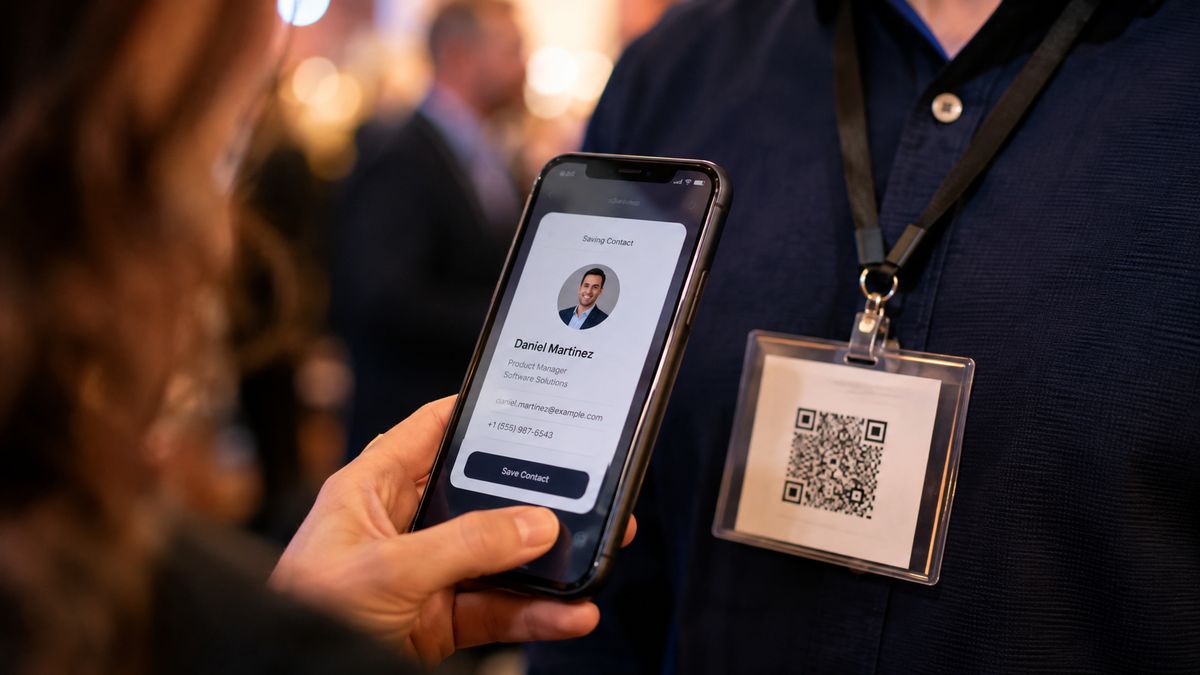
Business cards and name badges link straight to your details. A vCard QR code lets people save your number in one scan.
Loyalty and coupons: a code on the receipt opens a discount or a punch card. No app to install.
Put a code on a receipt or table card, and a scan opens your newsletter signup. You can even start an email with the message ready to send.
Catalogs and brochures: link one printed page to your full range online. A small flyer carries your whole shop.
Storefront windows: a code on the glass lets people book or browse even when you're closed.
These are the marketing ideas most businesses reach for first, and the easiest to track.
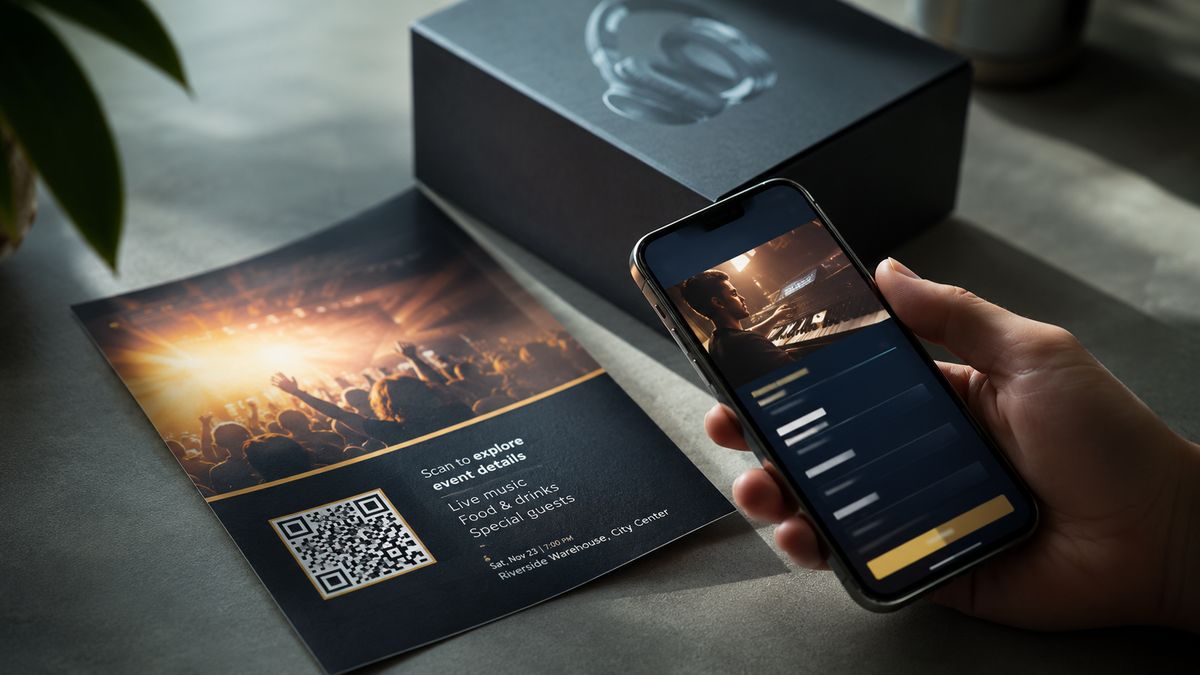
QR code ideas for restaurants, cafes, and hospitality
Hospitality is where QR codes earn their keep, because the table is the perfect place to hand someone a screen they already trust.
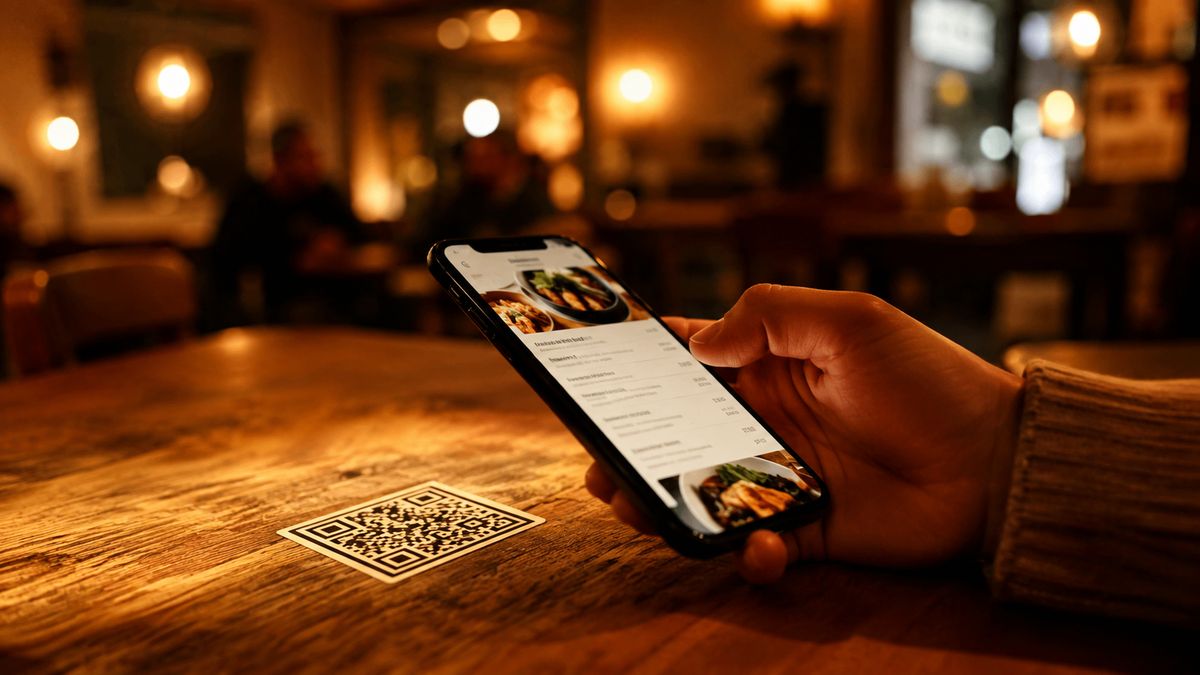
The classic use is the menu. A scan opens a page that shows it, with no app and no reprints when prices change. You can link a PDF menu or build a live page.
Point a code at your review page and collect Google reviews while the meal is still fresh.
Feedback: a scan opens a short form. Here's how to run a quick feedback form.
Skip reading the Wi-Fi password aloud and share your Wi-Fi in one scan.
Order at the table: a scan opens your ordering page, so guests don't wait to flag someone down.
Allergen and nutrition details fit on a linked page, not a crowded printed menu.
Waitlist and bookings: a code on the door opens a reservation page when the desk is busy.
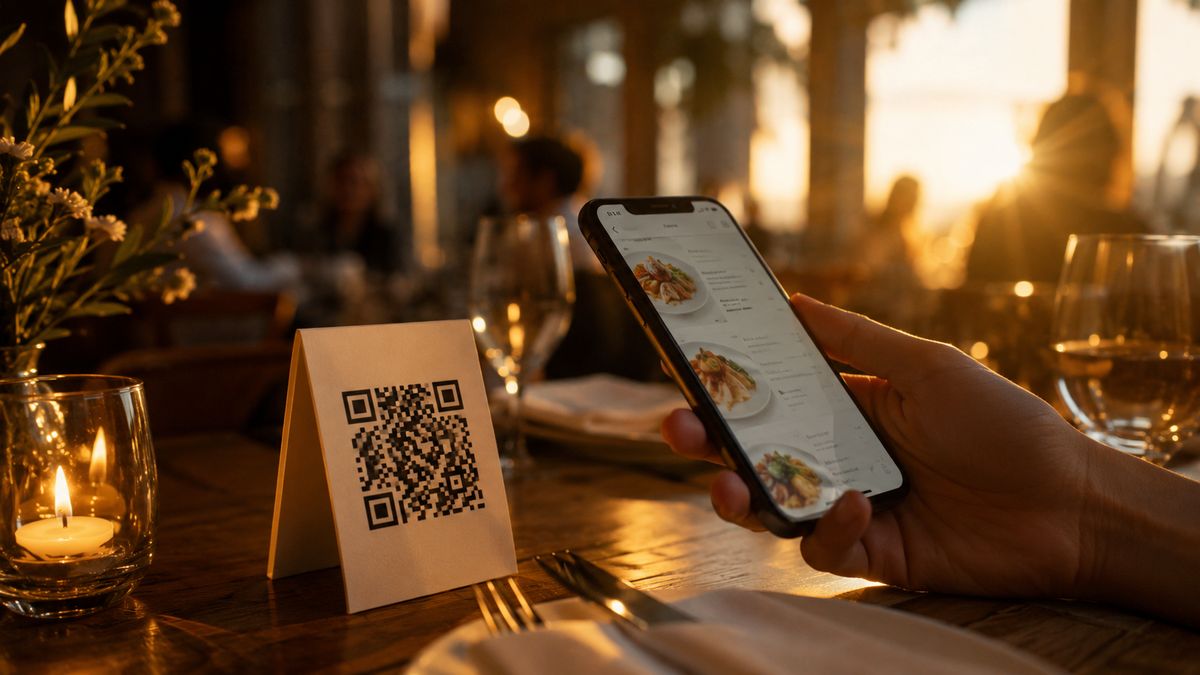
QR code ideas for retail and products
On a shelf or a box, a QR code adds the detail a label has no room for.
Packaging: a scan opens a how-to or unboxing clip. Point it to a video and let the product explain itself.
Shelf tags can link to sizing, reviews, or ingredients that never fit on the tag.
On the product itself, a code opens a re-order or registration page, so the next purchase is one scan away.
Warranty and setup: a scan opens the registration form or the assembly guide. No folded paper insert to lose.
Care instructions: link washing, storage, or maintenance steps right where the product is used.
QR code ideas for events and weddings
Events run on logistics, and a QR code quietly handles the parts guests dislike.
Invitations: a scan opens the RSVP page, so you can retire the paper reply cards.
On the day, link to the schedule, the seating chart, or a map guests pull up on arrival.
Photo sharing: a scan opens a page where everyone uploads and views the day's photos.
Check-in: point a code at the guest or ticket list to keep the line moving.
Live questions and polls: a scan opens the page where the audience votes or asks anything during a talk.
Registry or thank-you page: put an Amazon registry one scan away before the event, and a note of thanks after it.
QR code ideas for personal and everyday use
You do not need a business to get value from a QR code.
Share your Wi-Fi so guests join without hunting for the password on the back of the router.
Put a QR code on your resume that opens your portfolio, or add a vCard QR code to a name badge so people save your number in one tap.
Turn a gift tag into a surprise: a scan opens a video message or a playlist.
Add a code to a yard-sale or lost-and-found tag that points to a page you can update later.
Pet tags and luggage tags: a scan opens your contact details if a collar or a bag goes missing.
Emergency card: a code in a wallet or on a bike helmet opens who to call. Add anything a first responder needs.
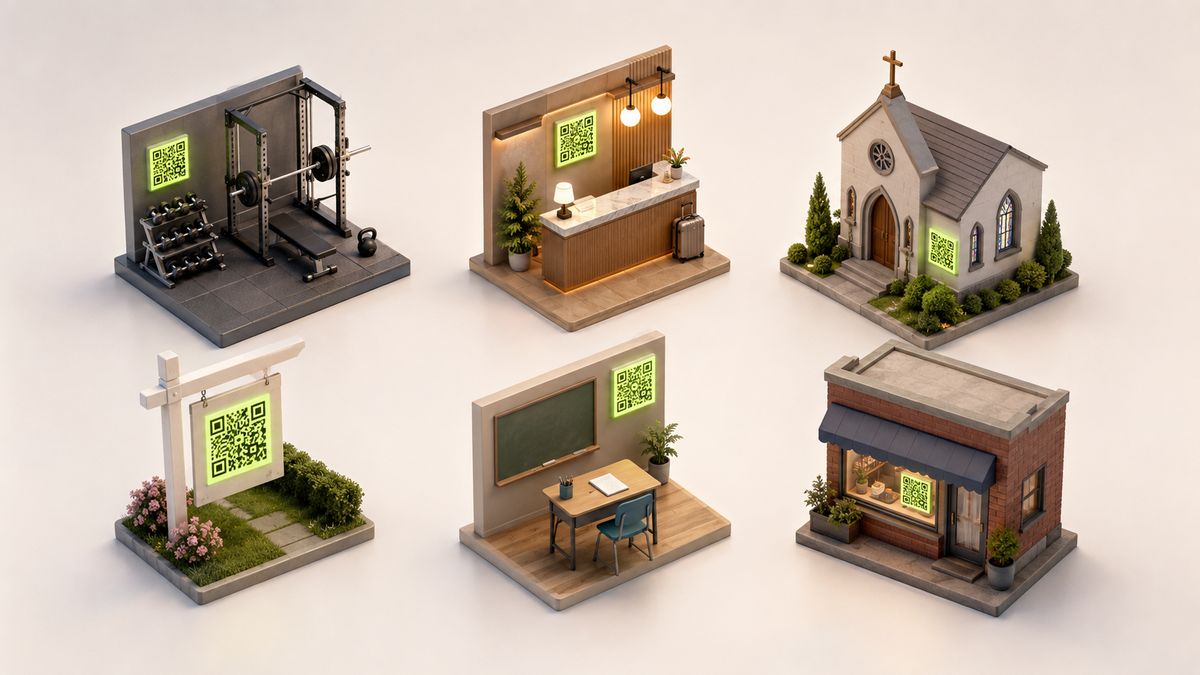
QR code ideas by industry
Some of the best ideas are specific to your field.
Gyms: class schedules, form-check videos, and membership signup on the wall by the door.
Hotels: room info, checkout, and a local guide, all from one card on the desk.
Nonprofits and churches can link a donation page, an event signup, or this week's bulletin.
Real estate agents put listing details and a video tour on the yard sign. It keeps working after hours.
Schools and teachers: make a QR code for a Google Doc so assignments, resources, or parent updates need no handout. There are plenty of ways to use QR codes in the classroom, from worksheets to bulletin boards.
Publishers add bonus content or a subscription offer to anything they print.
Salons and barbers put booking, a before-and-after gallery, or the products they used on the mirror station.
Auto shops and dealerships link service history or a walkaround video right on the windshield.
Medical and dental offices share intake forms, aftercare steps, and appointment reminders without paper.
Contractors and trades add a code to the van or yard sign that opens reviews and a quote request.
Creative and fun QR code ideas
Not every idea has to be practical.
Scavenger hunts: each scan opens the next clue, indoors or around town.
Gift surprises: a code on the tag opens a video message.
Temporary tattoos or stickers that link to a profile or a playlist.
Packaging reveals: a scan opens a behind-the-scenes clip.
Art and museum placards: a scan opens the story behind the piece, in the visitor's own language.
Trade-show booths: a code on the banner opens your demo or a prize entry while the conversation is still warm.
A little design goes a long way here. A custom color or a logo turns a plain code into part of the brand. It's often the cool, unique detail people remember, even after one scan.
Which type of QR code to use for each idea
Every idea above maps to one of a few QR code types. Pick the type, and the how-to gets simple.
If you want to... | Use this QR code type |
|---|---|
Open a page, offer, video, or booking | Link (URL) QR code |
Share your contact details | vCard QR code |
Get someone onto Wi-Fi | Wi-Fi QR code |
Show a menu, flyer, or document | PDF QR code (opens a page that shows it) |
Collect a survey, RSVP, or feedback | Form QR code |
Not sure which one fits? Here is which QR code type fits each job.
How to make a QR code for any of these ideas
The steps are the same no matter which idea you picked. Once you have done it once, the rest take about a minute each.
Choose the type that matches your goal, using the table above. A link works for most ideas; the others are for contact details, Wi-Fi, documents, and forms.
Add your destination. Paste the link, type in the details, or upload the file you want people to reach.
Customize the look. Add your color or drop a logo in the middle so the code fits your brand instead of looking like a plain black square.
Download and place it. Save a PNG for screens or an SVG for large print. Then put it where people already look, at eye level, with a short line on why to scan.
That last part matters more than the design. A code works when it sits in the right spot with a clear reason to scan. Presence alone does nothing.
Make it editable and trackable
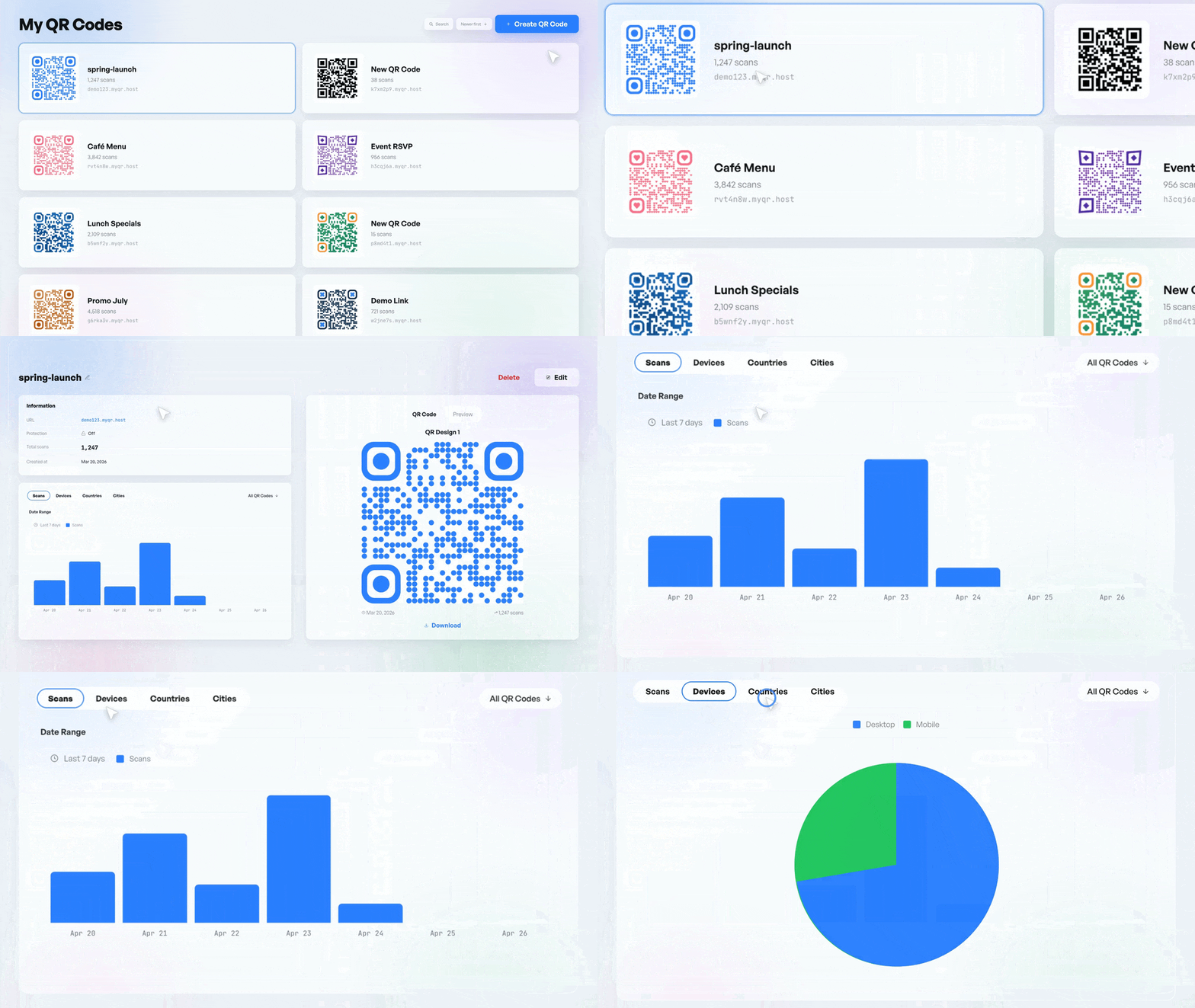
Here is the one upgrade worth knowing about. A dynamic QR code lets you change where it points after you print it. It also shows how many people scanned.
Print is permanent. Links are not. Say your menu moves, or your offer ends, or you make a typo. A dynamic QR code lets you fix the destination without reprinting. The code on the poster stays the same, and the page it opens is yours to update.
It also counts scans, so you can see which flyer, table, or sign actually earns its place. Roughly two-thirds of QR codes in real use are this changeable, trackable kind, for exactly these reasons. Move the winners to better spots, and drop the ones nobody scans.
This works because the code points to a FreeQR landing page you control, not straight to a file. Change the page, and every printed code follows along. Make it editable and trackable when you create your code.
Tips to get more scans
A good idea still needs a nudge. These four habits do more for your scan count than any design choice.
Give people a reason. "Scan for the menu" or "Scan to save 10%" beats a bare code every time.
Put it where phones already come out: the table, the counter, or eye level on a sign. Not the far corner of a poster.
Size it for the distance. A code across the room needs to be much bigger than one on a business card.
Test it before you print. Scan your own code from a phone or two, and confirm it lands on the right page.
QR code ideas FAQ
What can you use a QR code for?
Almost anything you can put online. Common uses are menus, videos, contact details, Wi-Fi, forms, reviews, and event RSVPs. The idea is to link a physical spot to the one page you want people to see when they are standing there.
What can you put in a QR code?
A link to any page, a contact card, a Wi-Fi login, a PDF, or a form. Most codes hold a short link that opens the real content, so there is no practical limit on what waits on the other side.
How do I make a QR code for something specific?
Pick the type that matches your goal, paste in the destination, and download the code. You can do all of it free with FreeQR's generator in a couple of minutes, no account required to start.
Are QR codes free to make?
Yes. Creating a QR code is free, and a good code never expires. Paid plans add extras like more scan analytics and custom design, but the basics cost nothing. See whether QR codes are free for the full picture.
Do QR codes expire?
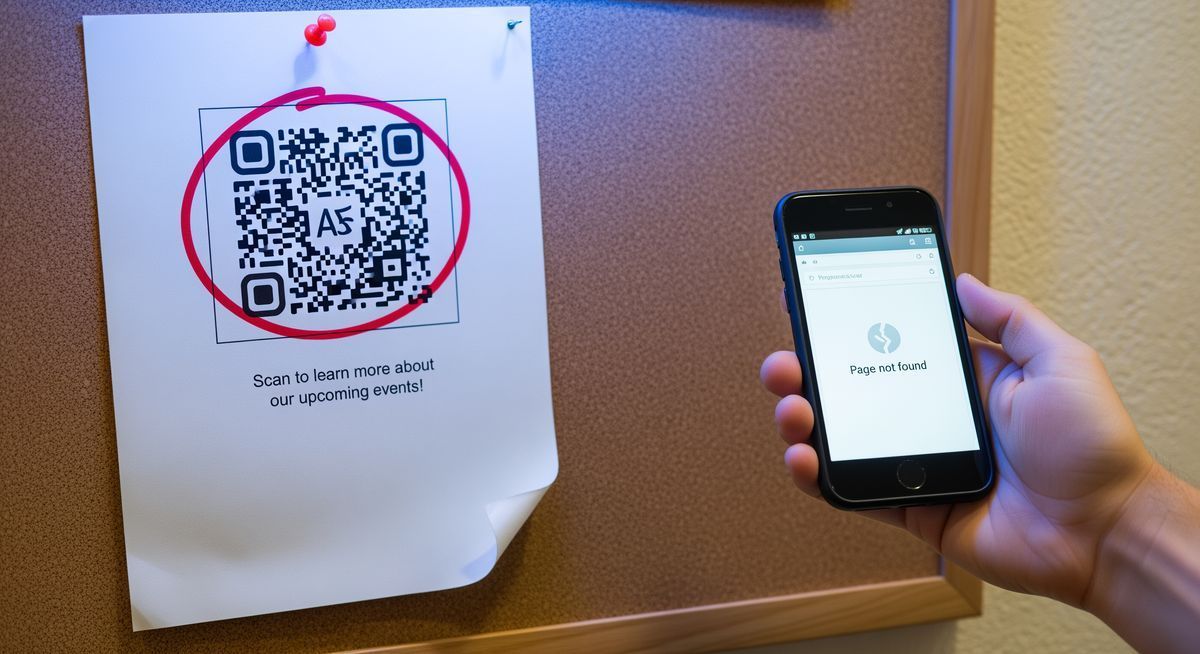
The code itself does not. What can break is the link behind it, if the page moves or comes down. A dynamic QR code avoids this, because you can point it somewhere new anytime.
What is the most creative way to use a QR code?
There is no single winner, but scavenger hunts and gift-tag video messages tend to surprise people most. The best one is whatever fits a spot where people are already curious.
Where is the best place to put a QR code?
Anywhere people have a spare moment and their phone in hand: a table, a receipt, a product box, or a sign at eye level. Skip places people pass at speed, like a highway billboard or the side of a moving vehicle, where nobody can scan in time.
Pick one idea and start
The idea is the easy part. The skill is matching a place people already look to a payoff worth the scan. Pick one from this list, make it, and put it where it belongs. Create a free QR code and try your first one today.