Do QR Codes Expire? What Happens After You Print
Do QR codes expire? Static codes last forever. Dynamic codes depend on your platform. Learn why QR codes stop working and how to prevent it.
You printed 5,000 product labels with a QR code. Or maybe 200 event flyers. Or a single business card you hand out every day. And now you're wondering: do QR codes expire?
Short answer: static QR codes never expire. Dynamic QR codes can expire, but only if the platform behind them shuts down, cuts off your access, or deletes your code. The QR code itself is just a pattern of squares. It doesn't have a built-in clock counting down to zero.
The real question isn't whether QR codes expire. It's whether the service keeping your code alive will still be there six months from now. That's what this guide covers.
Key takeaways:
Static QR codes never expire. The data is in the pattern itself.
Dynamic QR codes can expire if the platform deactivates them (usually after a free trial ends).
52% of consumers have encountered a dead QR code (Uniqode, 2025).
Always test a code after the trial period before committing to a print run.
The short answer
Static QR codes are permanent. The data (a URL, text, or phone number) is encoded directly into the pattern of black and white squares. No server involved. No subscription required. A static QR code printed today will work in 10 years, 50 years, or longer, as long as the destination it points to still exists.
Dynamic QR codes depend on your platform. A dynamic code routes through a server that redirects to your destination. That server is controlled by whatever platform you used to create the code. If that platform deactivates your code (because your trial ended, your account was deleted, or the company shut down), the code stops working.
QR code expiration is not a property of the code itself. It is a consequence of the platform behind a dynamic code going offline, deactivating the redirect, or ending a user's trial period. Static codes have no platform dependency and cannot expire. Dynamic codes last as long as the redirect server stays active.
How long do QR codes last?
It depends on what kind of code you created.
Static QR codes: permanent by design
A static QR code encodes data directly into the pattern. When someone scans it, their phone reads the data from the image itself. No internet request is made to any server (unless the encoded data is a URL, in which case the phone opens that URL in a browser).
Because no third party is involved, static QR codes last indefinitely. The QR code specification (ISO/IEC 18004) doesn't include any expiration mechanism. A static code printed on a poster in 2010 still works today, and it will still work in 2040.
The only way a static QR code "expires" is if the URL it points to goes offline. But that's the website expiring, not the code. For a full rundown of all nine data formats and when each works best as static or dynamic, see types of QR codes.
Dynamic QR codes: depends on your platform
Dynamic QR codes work differently. Instead of encoding your destination URL directly, the code points to a short redirect URL controlled by the platform that created it. When someone scans the code, the redirect server forwards them to your actual destination.
The upside is flexibility. You can change the destination after printing, track who scans and when, and update content without reprinting anything. Dynamic codes account for 98% of all QR codes created in 2025 and represent 64.92% of global QR code market revenue (Mordor Intelligence, 2025).
The downside is that your code only works as long as the redirect server stays online. If the platform changes its terms, your subscription lapses, or the company folds, your printed codes stop resolving.
Factor | Static QR Code | Dynamic QR Code |
|---|---|---|
Lifespan | Permanent | Depends on platform |
Server dependency | None | Redirect server required |
What causes "expiration" | Destination URL goes offline | Platform deactivates the code |
Can you update the destination? | No | Yes |
Scan tracking | No | Yes |
Risk of unexpected failure | Very low | Moderate to high (varies by platform) |
For a deeper look at how both types work, see What Is a QR Code? The Complete Beginner's Guide.
Why your QR code stopped working
If your QR code is not working, one of these four things happened.
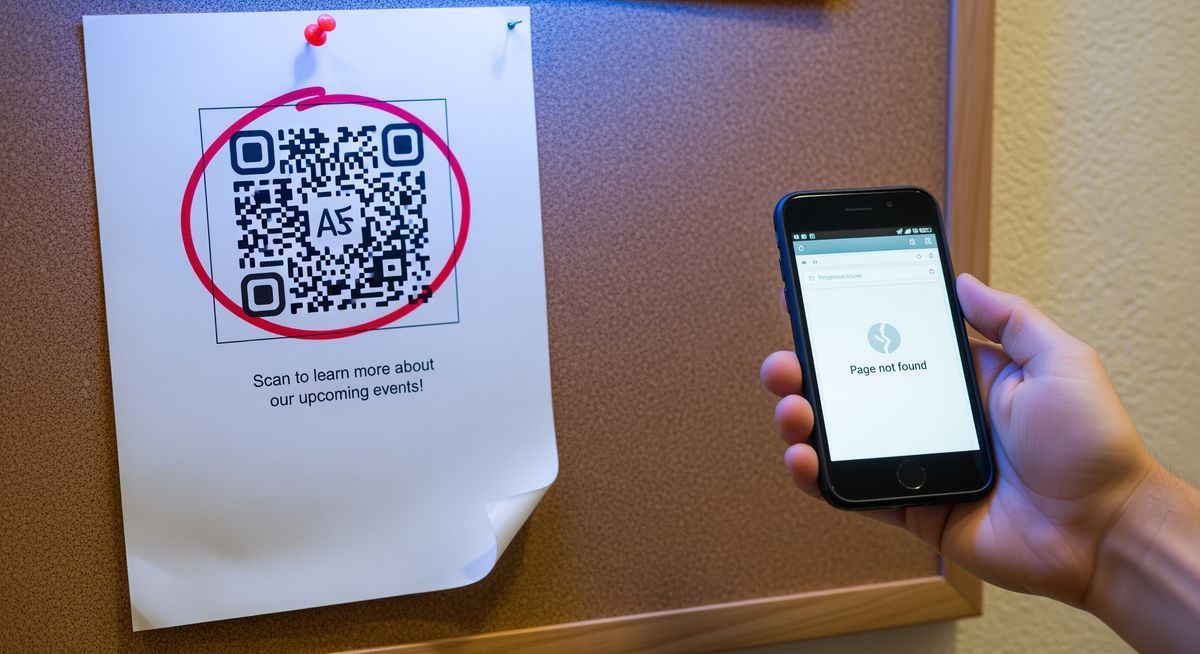
1. Your trial expired. This is the most common cause. Many QR code platforms offer a 14-day free trial that includes dynamic codes. When the trial ends, every dynamic code you created during that period is deactivated. One popular platform states this directly: "Any Dynamic QR Codes you created during the 14-day free trial period are deactivated at the end of the free trial." If you already printed those codes on packaging, flyers, or signage, you now have dead codes on live materials.
2. You hit a scan cap. Some platforms limit the number of scans per month on free or lower-tier plans. Once you reach 50, 100, or 500 scans (depending on the platform), the code stops redirecting until the next billing cycle, or until you upgrade. You won't always get a warning before this happens.
3. The redirect domain expired. Dynamic codes route through a domain owned by the platform. If that company lets the domain registration lapse, every code using that domain breaks at once. This isn't hypothetical. In 2015, Heinz ran a QR code campaign on ketchup bottles that redirected through a domain. When the domain expired, it was purchased by a third party and pointed to an adult website. Customers scanning their ketchup bottle were sent to content Heinz never intended.
4. Your destination URL is broken. This applies to both static and dynamic codes. If you linked to a page that was moved, deleted, or has a typo in the URL, the scan works perfectly, but the user lands on a 404 error page. Dynamic codes solve this problem because you can update the destination. Static codes with a broken URL are permanently broken.
Do free QR codes expire?
Some do. Some don't. It depends on what "free" actually means.
"Free trial" platforms give you full access for 7 to 14 days, then deactivate your codes unless you start paying. This is the model that causes the most damage, because you create and print codes during the trial period, then discover they stop working after it ends. Users on review sites describe finding out only after investing in printed materials. One Reddit user put it bluntly: "They make it impossible to see your codes will be deactivated in 14 days, once you spent all your money on packaging, flyers, designs whatever."
"Free forever" platforms offer a permanent free tier with some limitations (fewer codes, fewer features, or basic analytics), but the codes themselves keep working. You might not be able to create new ones without upgrading, but the ones you already made stay live.
What actually happens on each platform
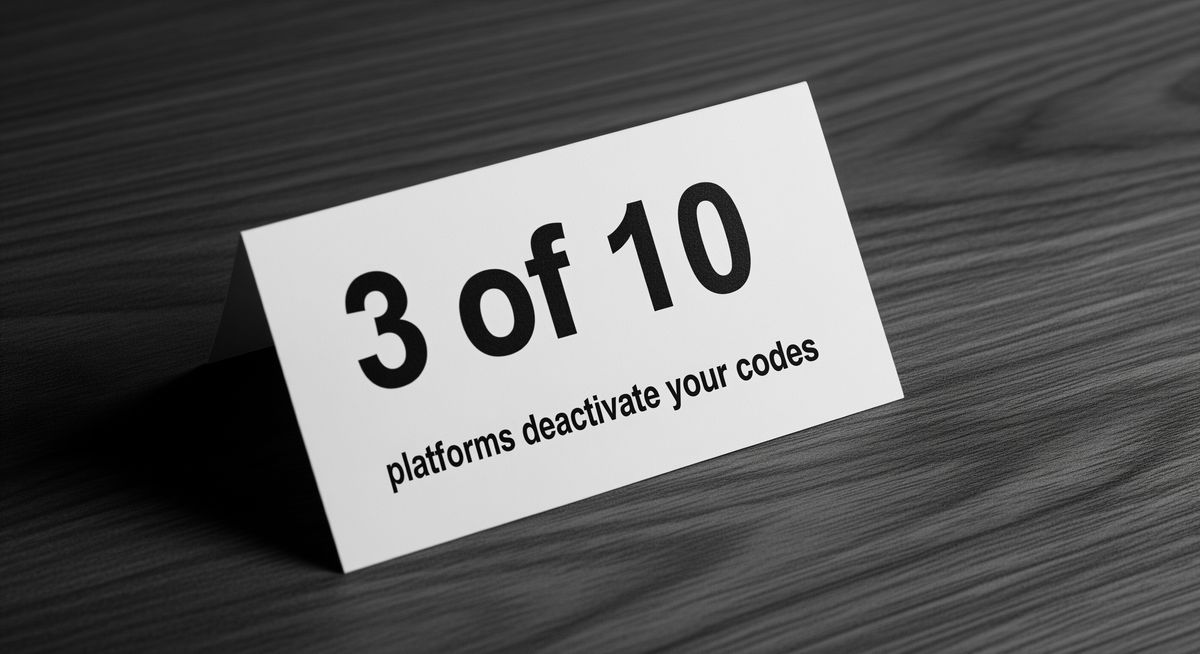
We checked the official pricing pages, help docs, and terms of service for 10 major QR code generators. Here is what we found (data verified March 2026):
Platform | Free model | Dynamic codes deactivated? | Scan cap (free) | Free dynamic codes |
|---|---|---|---|---|
QR Code Generator (Egoditor) | 14-day trial | Yes | N/A | 2 (trial only) |
Scanova | 14-day trial | Yes | None | 3 (trial only) |
Beaconstac / Uniqode | 14-day trial | Yes | None | 3 (trial only) |
QR Tiger | Free forever | No (but scan-capped) | 500 lifetime per code | 3 |
QRCodeKIT | Free forever | No | 100/month per code | 2 |
Bitly | Free forever | No | None | 2/month |
Flowcode | Free forever | No | Analytics capped at 500 | 2 |
Canva | Free forever | N/A (static only) | None | 0 |
Adobe Express | Free forever | N/A (static only) | None | 0 |
FreeQR | Free forever | No | None | Unlimited |
Three platforms (QR Code Generator, Scanova, Uniqode) deactivate all dynamic codes when the trial ends. Three more (Canva, Adobe Express, QR Code Monkey) only generate static codes, so there is nothing to deactivate. The remaining four offer genuine free dynamic codes, but with scan caps or code limits.
On Trustpilot, QR Code Generator holds a 1.5 out of 5 rating across 9,198 reviews. The dominant complaint is code deactivation after the 14-day trial. One reviewer wrote: "Spent hundreds on creating banners, business cards and flyers for my business only to receive an email 4 days later saying that I either pay a £144 yearly subscription or my QR Codes will not be scanned and invalid." Uniqode's own customer support confirmed the policy in writing: "As a subscription-based service, ending the subscription ends the service. That would mean the deactivation of the QR codes."
When evaluating any free QR code tool, ask these three questions:
Will my codes keep working if I never pay? If the answer is no, or unclear, that's a trial, not a free plan.
Is there a scan limit? Some platforms cap scans at 50-500 per month on free tiers (per a Supercode analysis of major platforms).
Can I download a static version? If you can export a static code, you at least have a permanent backup that doesn't depend on the platform.
FreeQR's free plan keeps your codes active permanently. There is no trial period and no scan cap. If you create a dynamic QR code on the free plan, it keeps working whether you come back to the platform or not. Paid plans unlock more codes, deeper analytics, and landing page features, but nothing you already created gets turned off.
What a dead QR code costs your business
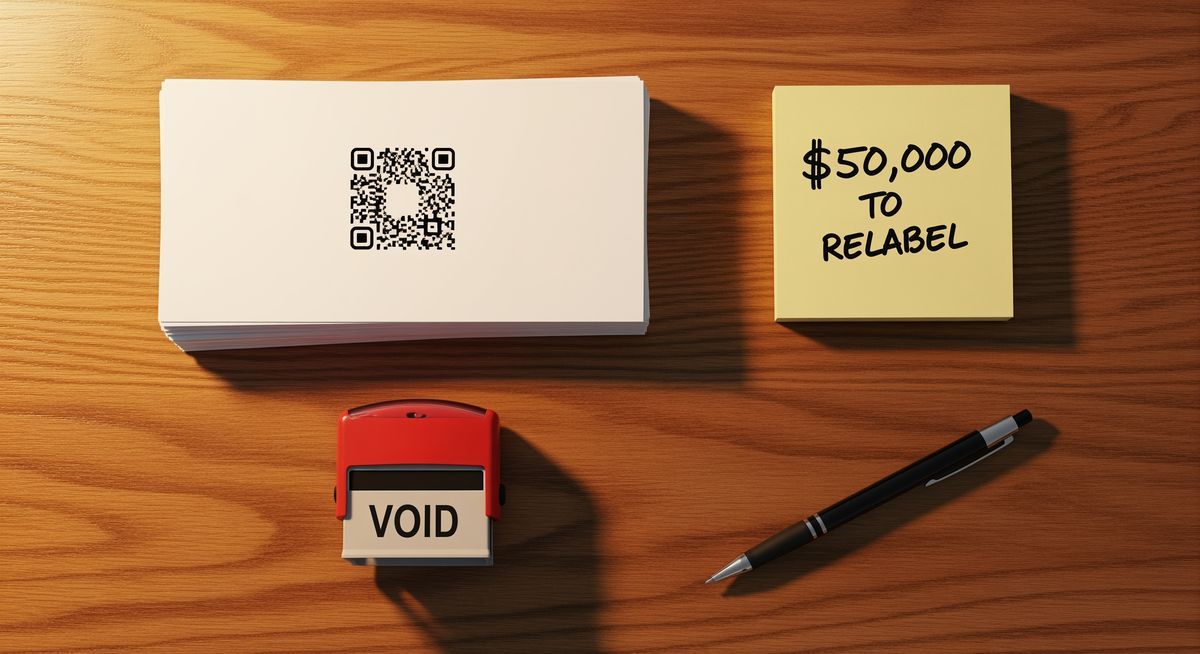
A dead QR code hits you twice: once in the wallet, once in trust.
Reprinting 10,000 flyers costs about $500. Relabeling product packaging can run up to $50,000 depending on the production scale (Uniqode, State of QR Codes 2025). Replacing signage, banners, or trade show materials piles on more. These costs land hardest when a campaign is already in motion and the materials are already in people's hands.
The trust side is worse. Uniqode's 2025 consumer survey found that 52% of consumers have encountered a QR code that led nowhere. Nearly half said they would think twice before scanning another code from the same brand. And research from ANA and Emplifi shows most consumers walk away from a brand after just two bad experiences. A dead QR code on your packaging is one of those experiences.
The QR code market hit $13 billion in 2025 and is projected to reach $33 billion by 2031 at a 16.82% CAGR (Mordor Intelligence, 2026). More codes on more surfaces means more opportunities for failure if the platform behind them isn't reliable.
How to make sure your QR code never expires
Follow these five steps before printing any QR code.
1. Choose a platform with a genuine free plan, not a free trial. Read the terms. If codes are deactivated after a trial period, you're building on borrowed time. Look for "free forever" language and confirm that existing codes stay active.
2. Test the code on multiple devices before printing. Scan with an iPhone, an Android phone, and at least one older device. Test from different distances and angles. If it doesn't scan consistently in testing, it won't perform in the real world either.
3. Verify your destination URL. Visit the URL manually. Make sure it loads, displays correctly on mobile, and doesn't redirect to an unexpected page. For dynamic codes, check the destination in your dashboard, not just the code itself.
4. Set a calendar reminder to check your codes. Every 90 days, scan your active QR codes and confirm they still reach the right destination. This catches problems early, before a customer finds them for you.
5. Keep a record of every code you create. Track which code goes on which material, what it links to, and which platform hosts it. If a platform changes its policies or shuts down, you'll know exactly which materials are affected.
The "wait and scan" test
Before sending anything to print, wait 48 hours and scan the code again. This catches trial-period traps (some platforms show the code as "active" during creation but deactivate it shortly after), and it gives you time to verify the destination with fresh eyes.
A note on limitations: No platform can guarantee permanence forever. Companies shut down, get acquired, or change their terms. Even "free forever" plans are subject to the company's continued existence. The safest approach is to choose a platform with a track record, keep local backups of your code data, and always have a static fallback for mission-critical printed materials.
FAQ
Do Canva QR codes expire?
Canva generates static QR codes. Since static codes encode the URL directly into the pattern with no server dependency, Canva QR codes do not expire. However, they can't be edited after creation, and they don't include scan tracking. If the destination URL goes offline, the code will still scan but will lead to a dead page.
Do Adobe QR codes expire?
No. Adobe Express and other Creative Cloud tools generate static codes only. They work forever, but you cannot change where they point after you create them. If your URL changes, you need a new code.
Does QR Code Monkey expire?
No. QR Code Monkey is a static-only generator on its free tier, so there is no redirect server involved and nothing to deactivate. The codes you make there will keep scanning as long as the destination URL stays live.
Do Google QR codes expire?
No. Chrome's "Share this page" QR feature and Google Sheets both produce static codes. Google does not run a redirect server for them. The URL goes straight into the pattern, so the code works independently of Google.
Do static QR codes expire?
No. Static QR codes never expire. The data is baked into the pattern itself, with no external server involved. A static code will work for as long as the physical material it's printed on survives and the destination URL remains live. This applies regardless of which tool or platform you used to create it.
How much do QR codes cost?
Static QR codes are free to create with most tools. Dynamic QR codes range from free (with limitations) to $5-50/month depending on the platform, number of codes, and features included. Some platforms charge per scan after a certain threshold. Others charge a flat monthly rate. The important thing to evaluate isn't just the price, but whether your codes stay active if you stop paying.
Is there a free QR code that doesn't expire?
Yes. Static QR codes are always free and never expire, regardless of which generator you use. For dynamic codes, look for platforms with a permanent free plan (not a free trial). FreeQR's free plan includes dynamic QR codes that stay active indefinitely, with no scan limits and no expiration.
Want a dynamic QR code that doesn't expire, even on the free plan? Try FreeQR. No trial period. No scan caps. Your codes stay active as long as you need them.