How scanning works, which devices support it, and what to do when it fails.
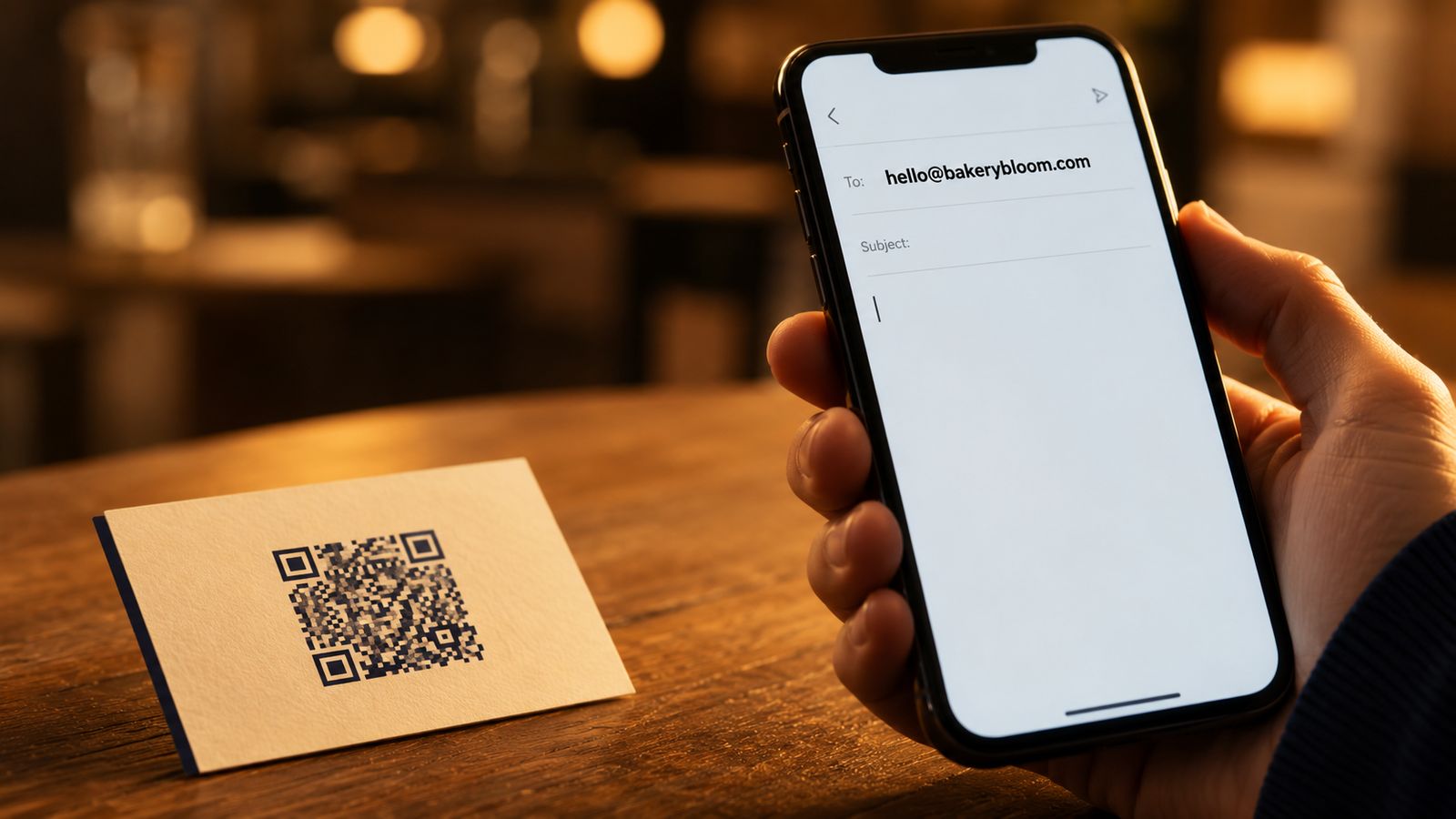
Make a QR code for an email address in under a minute with FreeQR. The free generator opens your recipient's mail app with your address ready to send.
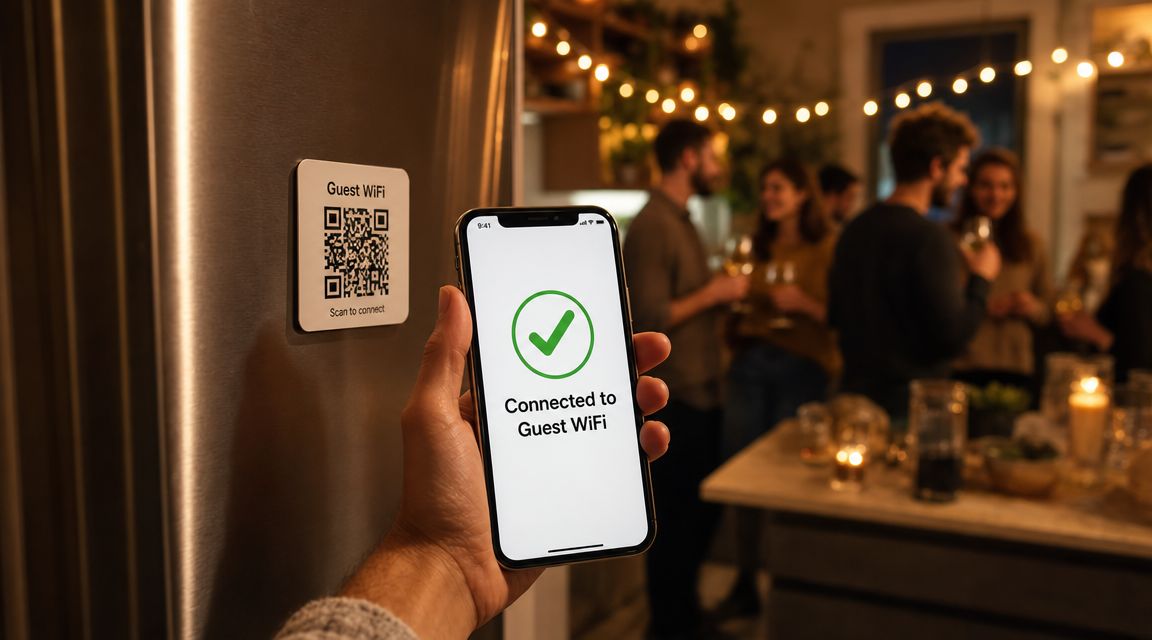
Share WiFi without reading a long password aloud. Make a free WiFi QR code with FreeQR on any device, no signup and ready to print.
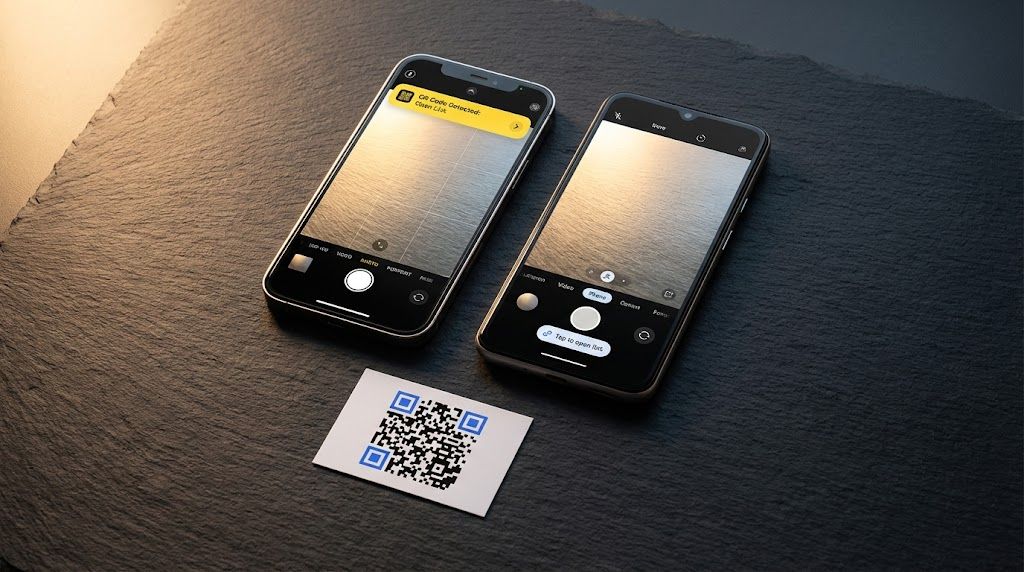
Diagnose why your QR code is not working in under two minutes. FreeQR walks you through a decision-tree of fixes, from dead codes to camera settings.
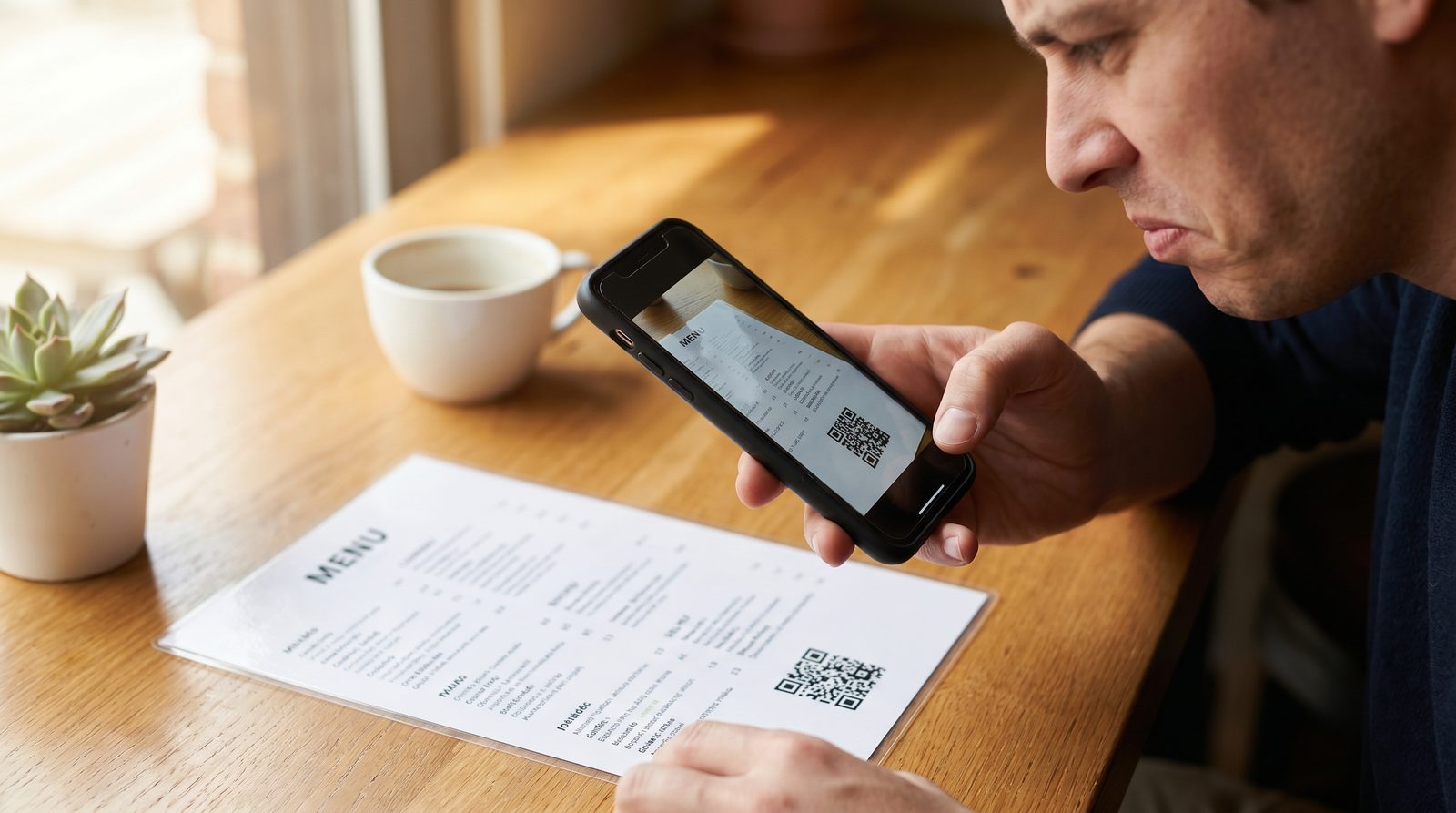
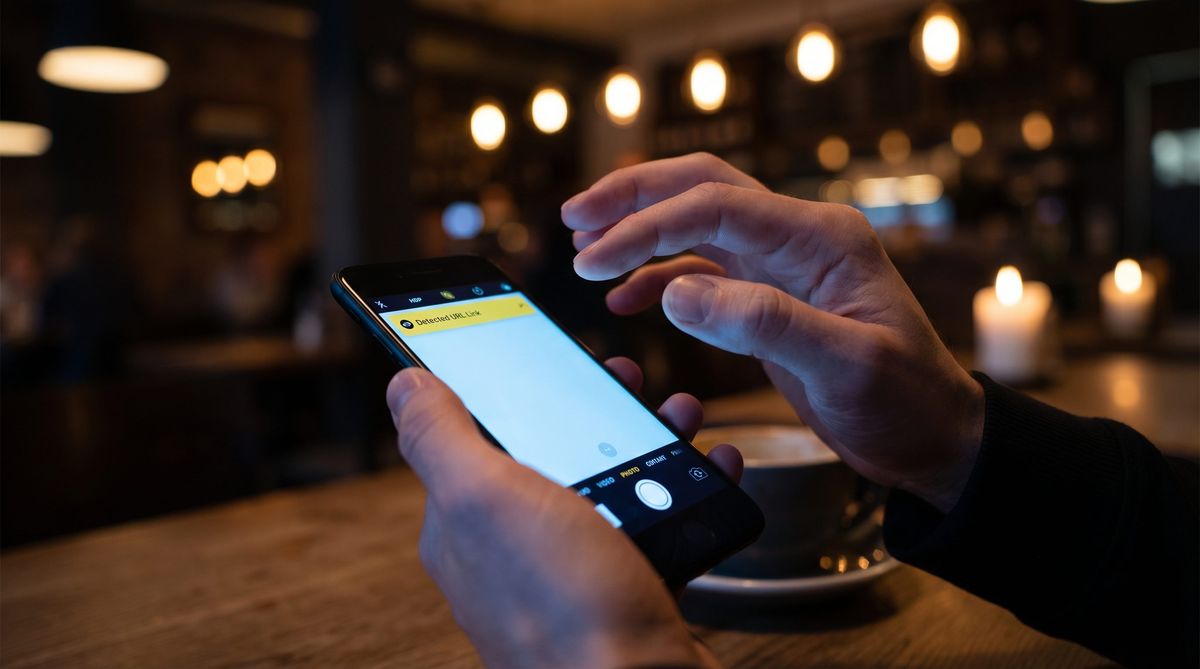
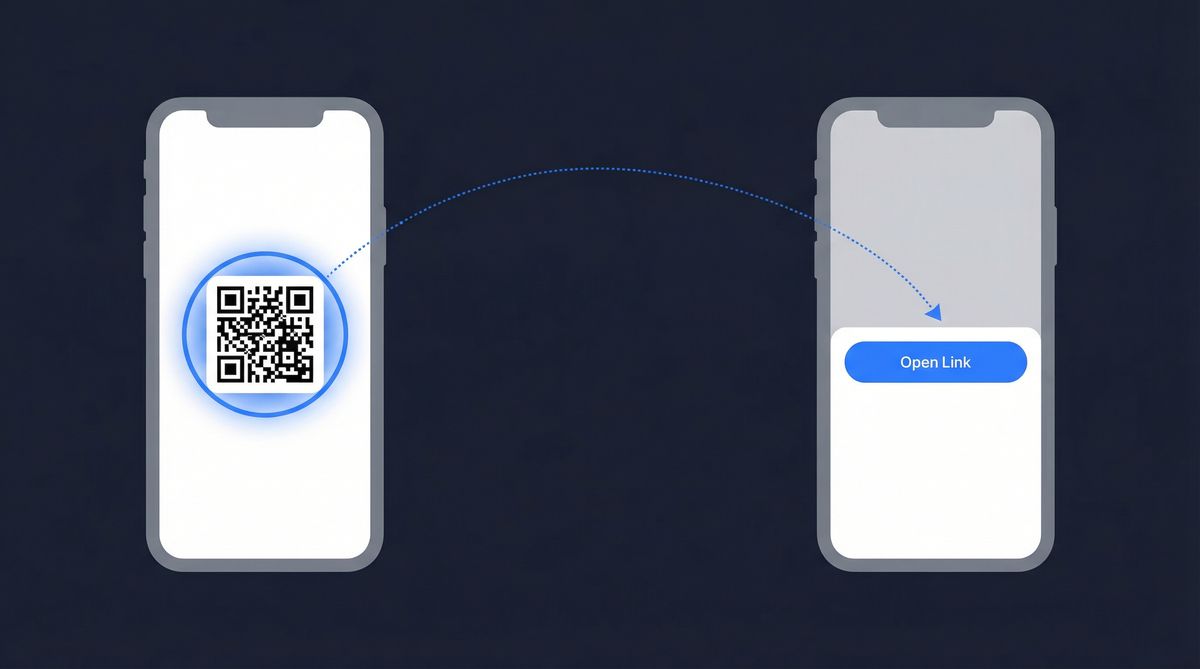
Learn how to scan a QR code on iPhone and Android using your built-in camera app. Step-by-step for every method on iOS 11+ and Android 9+. No app needed.
Your phone already scans QR codes without an app. Learn why third-party QR code scanner apps exist, what risks they carry, and when you actually need one.
Learn how to scan a QR code from a picture, screenshot, or saved photo on iPhone, Android, Mac, and Windows. No app needed.
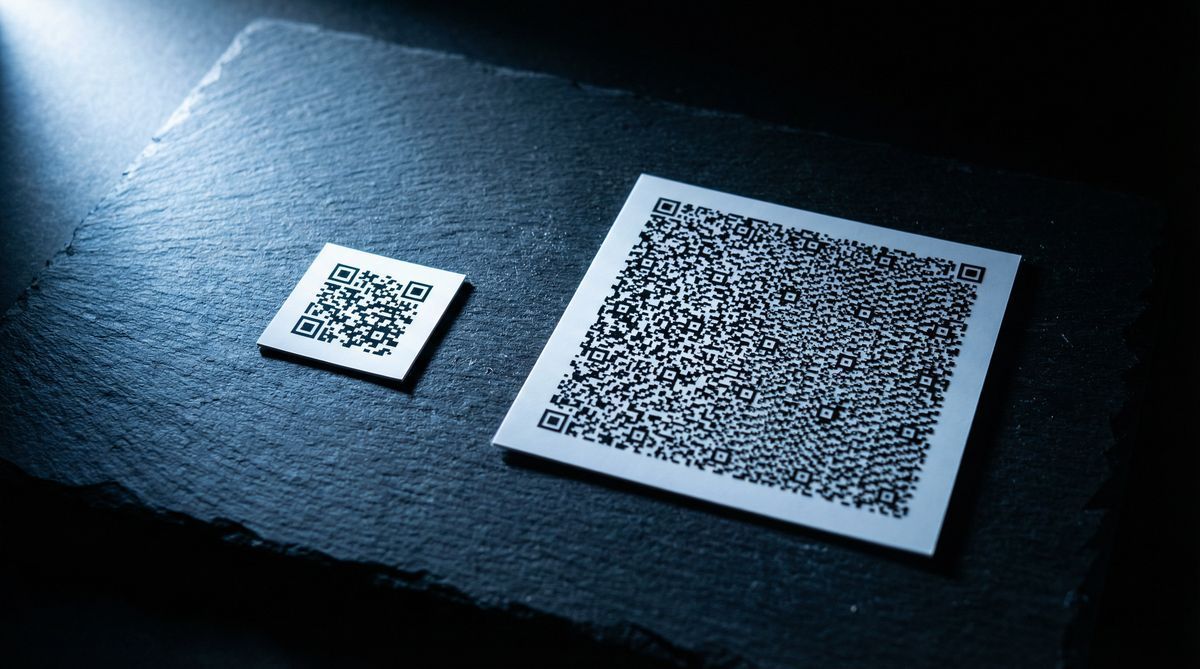
How much data can a QR code hold? Up to 7,089 numeric or 4,296 alphanumeric characters. Learn about QR code data capacity, versions, and practical limits.
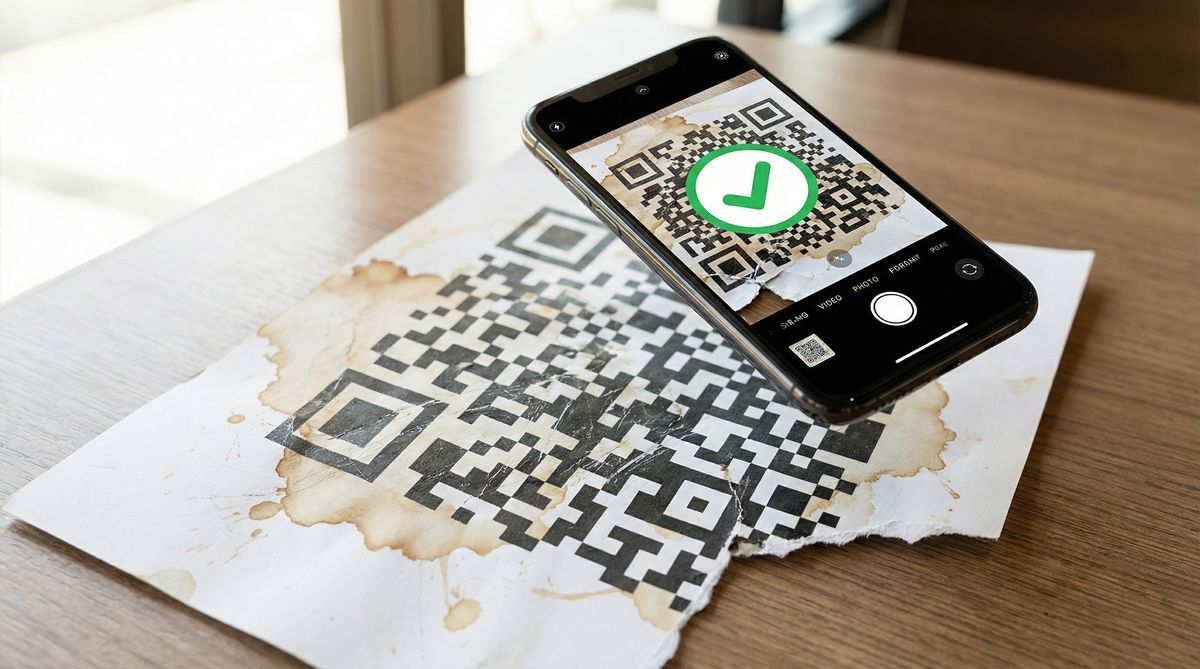
Learn how QR code error correction works, the four levels (L, M, Q, H), and why damaged codes still scan. Choose the right level for logos, print, and outdoor use.
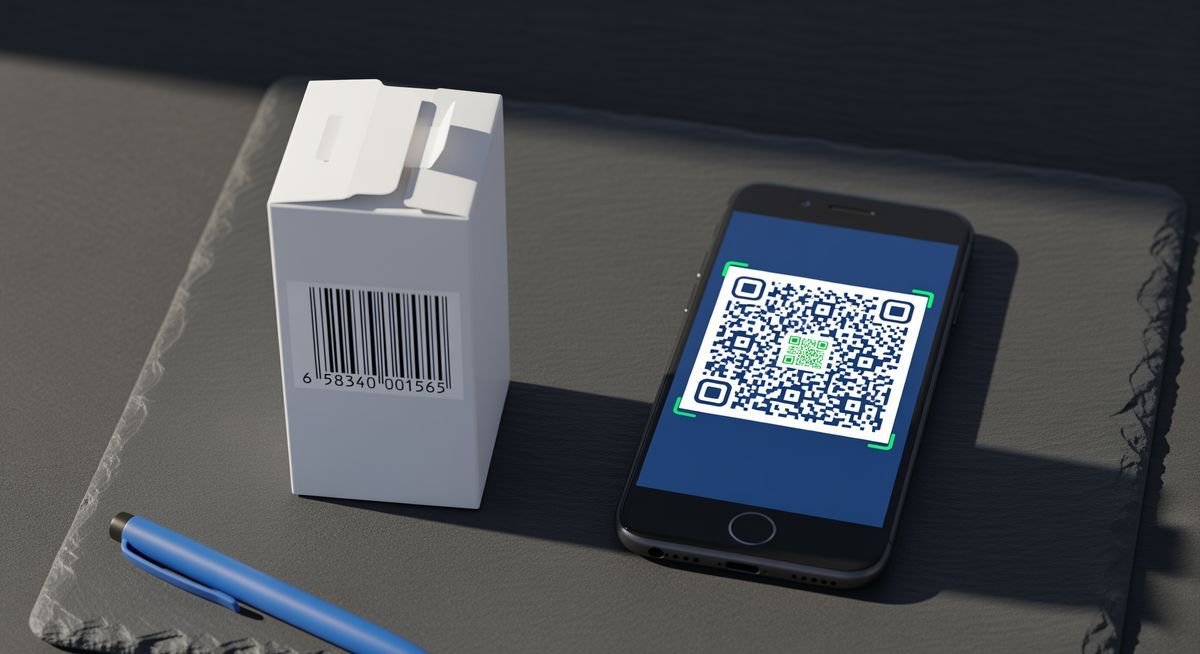
What's the difference between a QR code and a barcode? Compare data capacity, scanning speed, tracking, and error correction to choose the right format.
Learn how to scan a QR code on iPhone, Android, or from a screenshot. Simple step-by-step instructions for every device, plus fixes when it won't work.
Showing 1 to 10 of 11 results