QR Code Error Correction: Why Damaged Codes Still Scan
Learn how QR code error correction works, the four levels (L, M, Q, H), and why damaged codes still scan. Choose the right level for logos, print, and outdoor use.
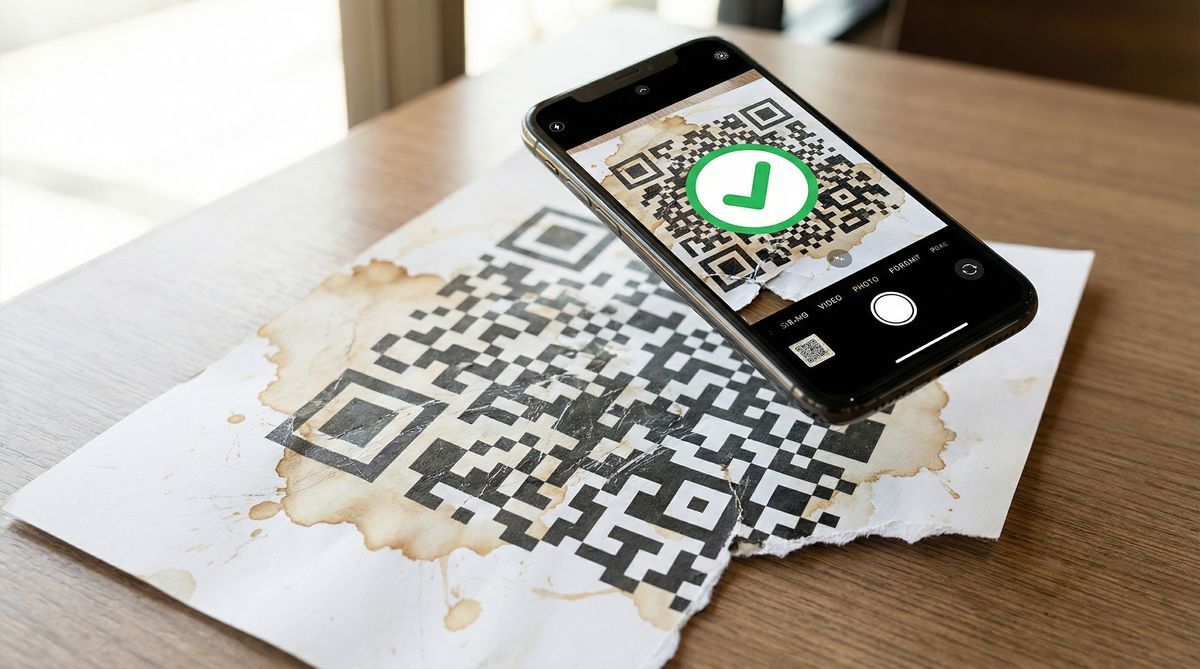
A restaurant menu QR code with a coffee ring across the corner. A yard sign faded by three months of direct sunlight. A warehouse label smeared with grease. All three still scan.
That is not luck. Every QR code contains redundant data that lets scanners reconstruct damaged or missing parts. The ISO/IEC 18004:2024 specification calls this QR code error correction, and it has been part of the format since it was first standardized in 2000. A traditional barcode with the same damage would be unreadable.
Key takeaways:
QR codes use Reed-Solomon error correction to recover from physical damage, per ISO/IEC 18004:2024.
Four levels: L (7%), M (15%), Q (25%), H (30%). The percentage refers to recoverable codewords, not physical area.
Higher correction means more damage tolerance but less data capacity.
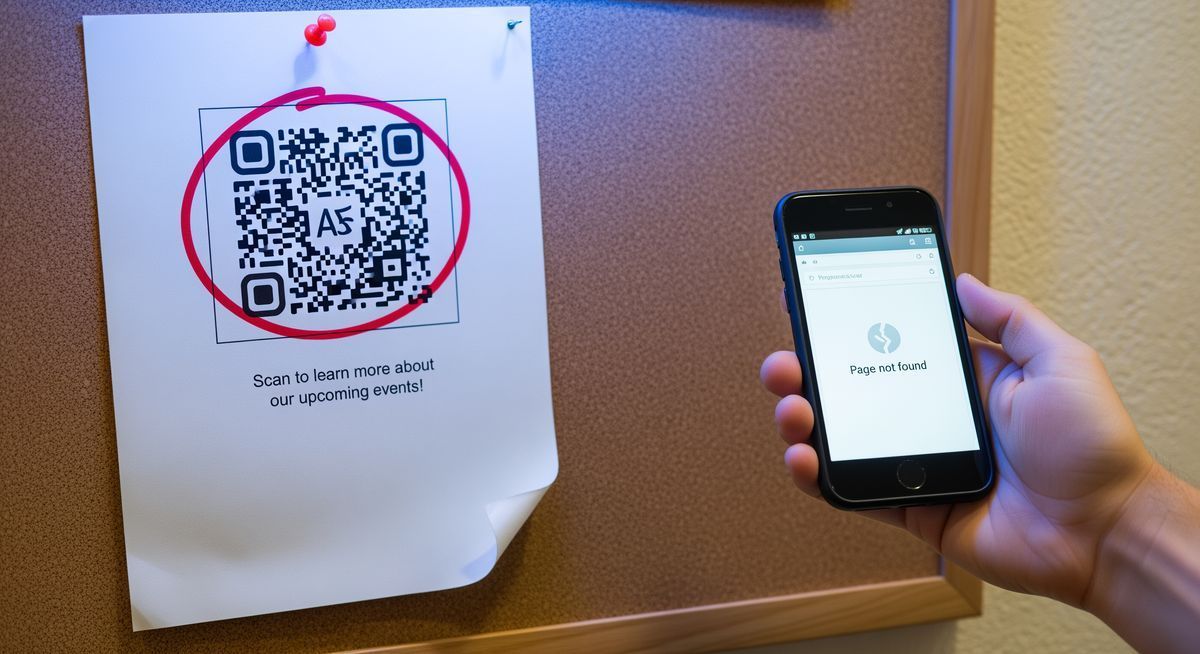
QR codes never output wrong data. They fail gracefully when damage exceeds correction capacity.
Dynamic QR codes store short redirect URLs, so Level M provides plenty of headroom for most use cases.
What Is QR Code Error Correction?
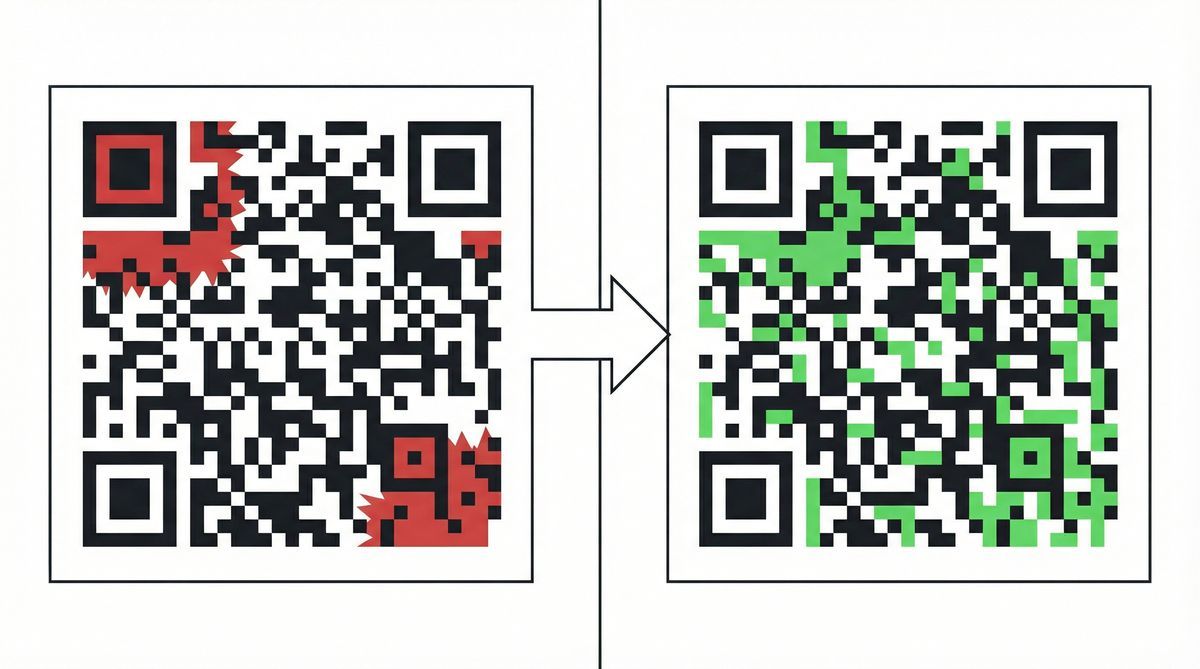
Think of it as backup data baked into the code itself. When dirt, scratches, or fading destroy some of the black-and-white modules, the scanner uses that backup to fill in the gaps. The full message still comes through even with chunks missing.
The math behind it is called Reed-Solomon error correction. Irving S. Reed and Gustave Solomon published it in 1960 at MIT Lincoln Laboratory for satellite communication, where signal noise garbles transmitted data. The same algorithm ended up in CDs, DVDs, Blu-ray discs, and the data systems on NASA's Voyager probes. When DENSO WAVE designed the QR code in 1994, Reed-Solomon was a natural fit. It had already survived deep space.
The QR code standard specifies four error correction levels. Each level determines how much redundant data the code carries and, as a direct trade-off, how much total data the code can hold.
The Four QR Code Error Correction Levels
Every QR code is generated at one of four error correction levels. The table below shows what each level recovers, how much data it can hold at maximum size (Version 40, the largest QR code defined in the spec), and where it fits best.
Level | Name | Recovery | Max Capacity (V40) | Best For |
|---|---|---|---|---|
L | Low | 7% | 2,953 bytes | Digital screens, clean environments |
M | Medium | 15% | 2,331 bytes | Indoor print, flyers, menus (most common default) |
Q | Quartile | 25% | 1,663 bytes | Outdoor signage, packaging, wear-prone surfaces |
H | High | 30% | 1,273 bytes | Logos over code, industrial, factory environments |
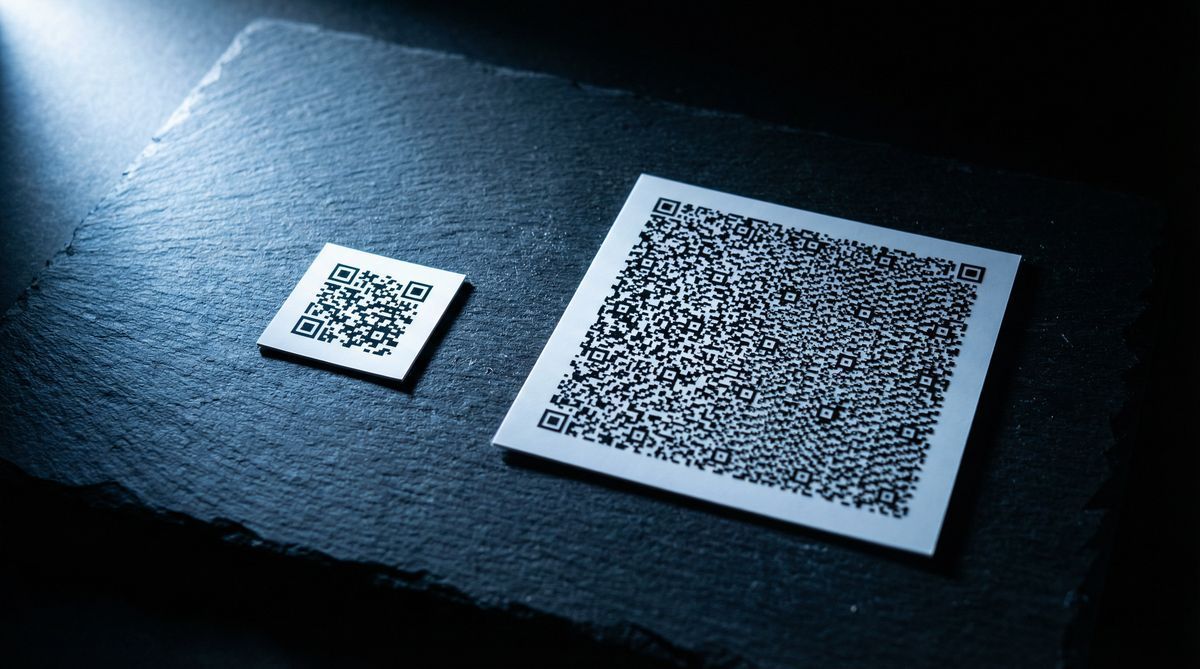
More protection costs you storage. At Version 40, Level L holds 2,953 bytes. Level H holds 1,273. That is a 57% reduction in capacity for the sake of damage resistance.
Most generators default to Level M. DENSO WAVE confirms it is the most frequently selected level in practice. M handles minor scratches, slight fading, and fingerprint smudges without making the code bigger than it needs to be.
Those ISO percentages are theoretical maximums, though. In practice, codes tend to fail earlier. Software engineer Huon Wilson tested 12,800 QR code configurations with simulated damage and found Level H codes produced 60% more successful scans than Level L. The practical failure thresholds were roughly 6% for L, 12% for M, 18% for Q, and 20% for H. Real-world damage does not distribute evenly, so the code hits its limit sooner than the spec suggests.
How Much Damage Can a QR Code Survive?
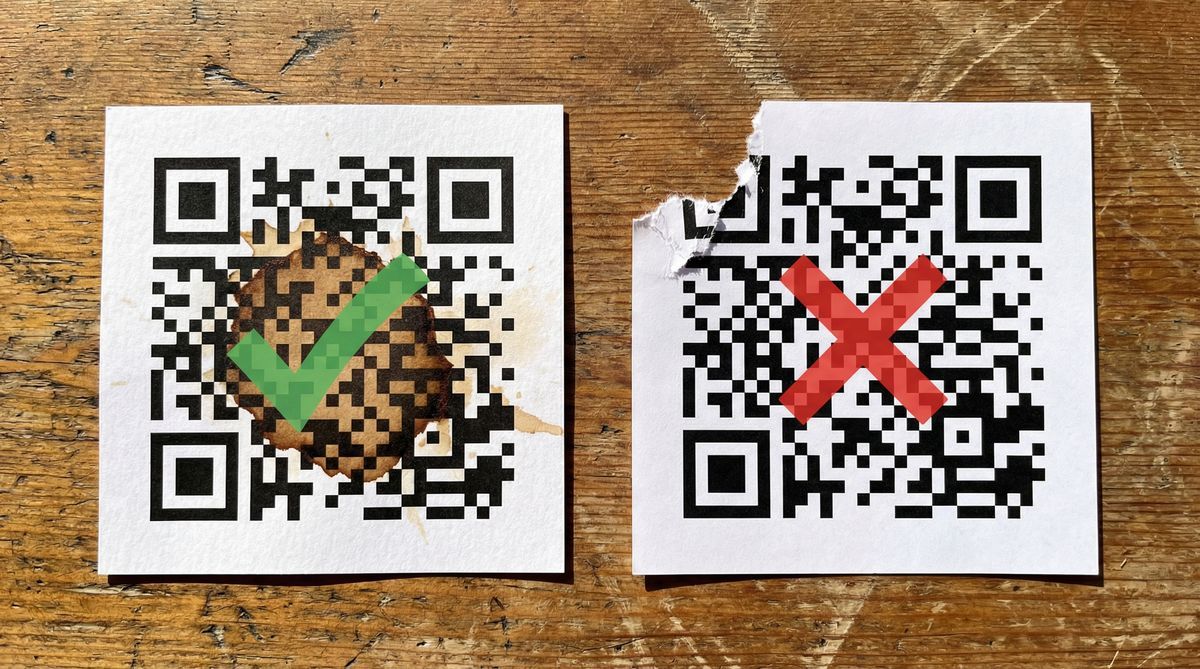
The percentages in the table refer to codewords (units of encoded data), not physical area. Damaging 15% of the surface does not necessarily corrupt 15% of the codewords. The reason comes down to how the data is arranged inside the grid.
Codeword interleaving
For larger QR codes, the encoded data is split into multiple Reed-Solomon blocks and then interleaved before being placed into the grid. A scratch running diagonally across the code does not destroy consecutive codewords. Instead, it damages one codeword here, skips three, damages another there. The damage is spread across multiple correction blocks instead of overwhelming a single one. This is why a long scratch is often more survivable than a deep hole punched in one spot.
Error detection versus error correction
Reed-Solomon can detect twice as many errors as it can correct. At Level M, the algorithm corrects up to 15% of corrupted codewords, but it detects corruption in up to 30%. When damage exceeds the correction budget but falls within the detection range, the scanner knows the data is compromised and returns nothing.
This is a safety feature. A damaged QR code will never send you to the wrong website or charge the wrong account. It works correctly or it returns nothing. For payment codes and authentication tokens, that distinction matters a lot.
The finder pattern exception
The three large squares in the corners of every QR code are finder patterns. The scanner uses them to locate and orient the code. They are not protected by error correction the way data modules are. If a tear, fold, or sticker covers one of the three corners, the code will almost certainly fail regardless of correction level. No amount of redundancy saves a code with a missing corner.
Which Error Correction Level Should You Choose?
Here is what to pick for common scenarios.
Indoor print (menus, flyers, business cards): Level M. Clean environments with minimal physical contact. M handles the occasional smudge or crease without making the code larger than it needs to be.
Outdoor or weathered surfaces (yard signs, bumper stickers, bus stops): Level Q or H. UV fading, rain, physical contact from passersby. These codes need a larger error correction budget because damage accumulates over weeks and months.
Logo or branded QR codes: Level H. A center logo intentionally covers data modules, typically 20-30% of the code's area. Level H's 30% correction budget absorbs that. Without it, you are gambling. A University of Memphis AutoID Lab study tested designer QR codes and found read rates averaged 61.5%, with the worst dropping to 9.6%. Unmodified codes hit ~95%. The biggest failure cause was damage to the finder pattern corners.
Digital display (screens, presentations, email): Level L. No physical damage risk. The code exists as pixels on a screen. Level L keeps the code compact and fast to scan.
Dynamic QR codes: Level M is usually enough. A dynamic QR code stores only a short redirect URL (say, freeqr.to/abc123), not the full destination content. Less data means fewer modules, which means error correction has proportionally more room to work.
In FreeQR's designer, the four error correction settings are labeled Low, Medium, High, and Highest (corresponding to L, M, Q, and H). The default is Medium. Add a logo and the scannable indicator tells you if the logo covers too many modules for the selected level. Dynamic codes also let you update the destination without reprinting.
One catch: error correction is set when you generate the code. You cannot change it after printing. If you pick Level L and later move the code outdoors, the only fix is a new code at a higher level. When in doubt, go with M.
Want to see how this works? Create a free QR code at FreeQR and choose your error correction level.
FAQ
What is QR code error correction?
Extra data embedded in a QR code that allows scanners to reconstruct damaged or missing modules. The mechanism uses Reed-Solomon codes, a mathematical algorithm originally developed for satellite communication and later adopted into the QR code specification (ISO/IEC 18004:2024).
How much of a QR code can be damaged and still work?
Up to 30% at Level H, 25% at Q, 15% at M, and 7% at L. These percentages refer to the proportion of recoverable codewords, not the physical area of the code. Actual survivability depends on where the damage occurs and how it interacts with codeword interleaving.
What are the four error correction levels?
L (Low, 7%), M (Medium, 15%), Q (Quartile, 25%), and H (High, 30%). Most generators default to M.
Which error correction level should I use for a logo?
Level H (30%). A center logo typically covers 20-30% of the code's modules. Level H gives the scanner enough redundant data to reconstruct what the logo obscures. Using a lower level with a logo risks making the code unscannable.
Can a damaged QR code give wrong information?
No. When damage exceeds what the algorithm can fix, the scanner returns nothing. You get a blank result, never a wrong URL or wrong payment address. Reed-Solomon can detect twice as many errors as it can correct, so the code knows when it is too damaged to be trusted.
Written by Andy Lee, QR Technology Specialist at FreeQR.