QR Code Vendor Lock-In: What It Is and How to Avoid It
Vendor lock-in in QR codes means reprinting everything you have already distributed. Learn how platforms lock you in, what reviews say, and five questions FreeQR recommends asking before choosing a platform.
In most SaaS products, vendor lock-in means inconvenience. You export your data, import it somewhere else, and move on with your day. In QR codes, vendor lock-in means reprinting everything you've already distributed.
That is the core difference, and it is the reason choosing a QR code platform deserves more scrutiny than most software decisions. A bad pick does not just waste your subscription fee. It wastes every flyer, menu, business card, and product label carrying a code that routes through a platform you can no longer use.
Key takeaways:
Vendor lock-in in QR codes is worse than typical SaaS lock-in because codes live on printed materials you cannot update remotely.
Platforms lock you in through trial expirations, scan caps, domain dependency, and downgrade penalties.
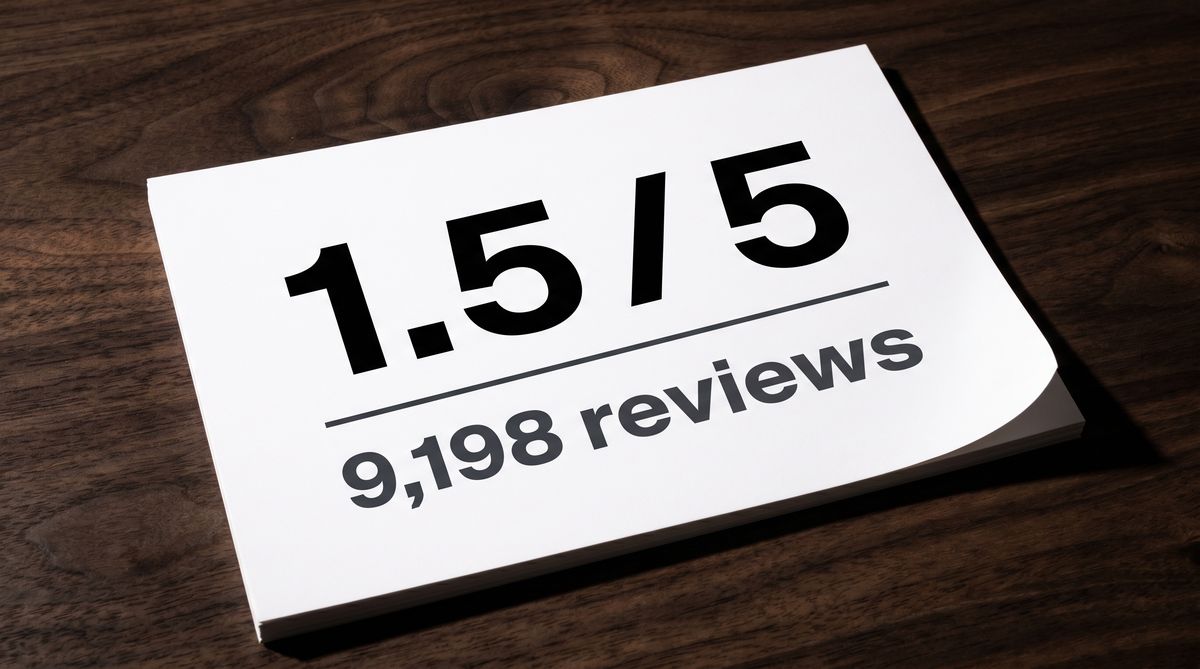
QR code generator reviews on Trustpilot show a pattern of deactivation complaints, with one major platform scoring 1.5 out of 5 across 9,198 reviews.
Five specific questions, asked before you commit, prevent most lock-in scenarios.
What is vendor lock-in in QR codes?
Vendor lock-in is a situation where switching away from a product or service is so costly or difficult that you effectively cannot leave. In enterprise software, that usually means migration headaches and retraining. In QR codes, it means something more permanent.
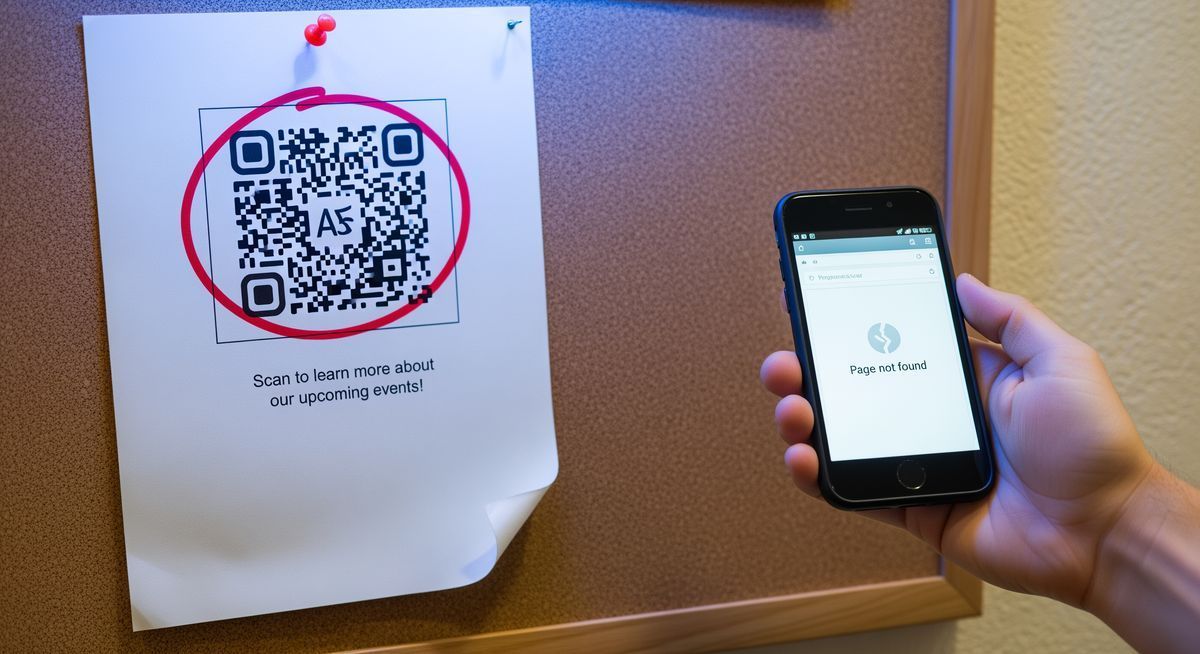
Every dynamic QR code routes scans through a redirect server controlled by the platform that created it. The code printed on your materials does not contain your destination URL directly. It contains a URL on the platform's domain, which then forwards the scanner to wherever you've pointed it. If you lose access to that redirect (because your trial ended, your plan was downgraded, or you cancelled), the code on your printed materials stops working. The code itself has not changed. The server behind it just stopped answering.
This is why QR code vendor lock-in hits harder than almost any other software category. You cannot patch a printed flyer. You cannot push an update to a laminated menu. The code is physically fixed on materials that are already in the world, and the only way to change where it points is to keep paying the platform that controls the redirect.
Reprinting is not cheap. 10,000 flyers cost roughly $500. Relabeling product packaging can reach $50,000 depending on production scale. And according to a 2025 Uniqode study, 52% of consumers have encountered dead QR codes, which means the reputational cost of broken codes is real too.
For a deeper look at how static and dynamic codes differ on expiration, see Do QR Codes Expire?.
How do QR code platforms lock you in?
The lock-in does not happen all at once. It happens through mechanisms that feel reasonable individually but create a trap when combined.
Trial expirations that kill live codes. Some platforms advertise themselves as "free" when they are actually offering a 7-to-14-day trial. Codes created during the trial work perfectly while it lasts. When the trial ends, every code you created is deactivated. If you printed those codes during the trial window, you now have dead codes on live materials. The platform knows this. The subscription offer that follows is not really optional.
Then there are scan caps. Some platforms keep your codes technically active but limit how many times they respond. QR Tiger caps free codes at 500 scans over the code's entire lifetime. QRCodeKIT limits scans to 100 per month. Hit the cap and the code goes silent. For a code on product packaging that gets scanned thousands of times, that ceiling arrives fast.
Domain dependency you cannot take with you. This is the most structural form of lock-in. Your QR code encodes a URL on the platform's domain (something like qr.example-platform.com/abc123). That redirect URL belongs to them, not you. If you leave the platform, you cannot take that URL to another service. Every code you printed with their domain baked into the pattern is permanently tied to their infrastructure.
The last mechanism is quieter but just as effective. Uniqode's support team confirmed in writing that ending a subscription means ending the service. Codes created on a paid plan are deactivated when you downgrade to free or cancel entirely. The work you did while paying does not survive the transition. For a detailed breakdown of what each platform charges and what happens when you stop, see Are QR Codes Free?.
What do QR code generator reviews actually say?
Trustpilot reviews across major QR code platforms tell a consistent story. The most common complaints center on deactivation after trial expiry, surprise billing, and the inability to export or transfer codes.
Here is what the ratings look like:
Platform | Trustpilot rating | Number of reviews |
|---|---|---|
QR Code Generator (Egoditor) | 1.5 / 5 | 9,198 |
Flowcode | 3.6 / 5 | 36 |
Uniqode | 3.8 / 5 | 19 |
QRCodeKIT | 4.8 / 5 | 814 |
The volume matters. QR Code Generator's 1.5 rating is not based on a handful of complaints. It is the aggregate of over nine thousand reviews, and the dominant theme is deactivation:
"Spent hundreds on creating banners, business cards and flyers for my business only to receive an email 4 days later saying that I either pay a £144 yearly subscription or my QR Codes will not be scanned and invalid."
The pattern across QR code reviews is the same regardless of platform: user creates code, user prints materials, platform deactivates code, user discovers the terms too late to avoid the cost of reprinting or paying.
For a closer look at the specific tactics behind these reviews, see The Hidden Costs of "Free" QR Code Platforms.
What five questions should you ask before choosing a QR code platform?
Asking these before you print a single code prevents most lock-in scenarios.
1. Do codes stay active on the free plan permanently?
Not "during the trial." Permanently. Some platforms (including FreeQR) keep free-plan codes active with no expiration. Others deactivate them after 14 days. The difference between these two answers is the difference between a free product and a trial trap.
2. Is there a scan cap?
A code that stops working after 500 scans is not really "active." QR Tiger limits free codes to 500 lifetime scans per code. QRCodeKIT caps at 100 scans per month. FreeQR does not cap scans on any plan. Ask the specific number, not just whether a cap exists.
3. What happens to existing codes if I downgrade?
This is the question most people forget to ask. On some platforms, codes created on a paid plan are deactivated the moment you move to a lower tier. On others, they stay active but lose advanced features like analytics. The answer determines whether upgrading is a one-way door.
4. Can I export my QR code data?
Destinations, scan history, creation dates. If you cannot export this data, you cannot rebuild on another platform without starting from scratch. True portability means your data leaves with you.
5. Does the platform use its own redirect domain, or can I use my own?
This is the most important question on this list. If your codes route through the platform's domain, you are structurally locked in. If you can use your own domain for redirects, you can point that domain at any service you choose. Your codes become portable because you own the routing layer.

How to switch QR code platforms without reprinting
If you are already on a platform and want to move, your options depend on what type of codes you printed.
Static codes are fully portable. A static QR code encodes a URL directly into the pattern. If you generate a new QR code on a different platform using the same URL, the resulting code will be identical. The pattern is determined by the content, not the tool. You can switch generators freely because no platform controls the redirect.
Dynamic codes are tied to their platform's redirect URL. The code on your printed materials contains a URL on the original platform's domain. You cannot transfer that redirect to another service. As long as those printed materials exist, you need the original platform to keep that redirect alive.
The custom domain advantage. If your codes route through a domain you own (say, qr.yourbusiness.com), you can point that domain's DNS to any QR platform you want. The code on your materials still encodes qr.yourbusiness.com/menu, but where that URL resolves is entirely under your control. Switch platforms, update your DNS, and every code you ever printed keeps working.
This is the single most effective protection against vendor lock-in: own the domain your codes route through. It turns a permanent dependency into a DNS change.
Limits of this advice: Custom domains are typically a paid feature, so this protection comes at a cost. And even with a custom domain, you still depend on some platform to run the redirect server. If you self-host your own redirect infrastructure, you achieve full independence, but most small businesses and marketing teams do not have the technical resources for that. For most users, the practical answer is: choose a platform with a genuine free plan, no deactivation policy, and custom domain support on paid tiers.
FAQ
What is vendor lock-in in QR codes?
Vendor lock-in in QR codes is when switching platforms means your printed codes stop working. Because dynamic QR codes route through the platform's servers, leaving the platform (or losing access through trial expiration, downgrade, or cancellation) breaks every code you have already printed and distributed.
Can I switch QR code generators without reprinting?
For static codes, yes. The same URL produces the same QR pattern regardless of which tool generates it. For dynamic codes, only if your codes route through a custom domain you control. Otherwise, the redirect URL is tied to the original platform and cannot be transferred.
What happens to my QR codes if I stop paying?
It depends on the platform. Some deactivate all dynamic codes immediately. Others keep codes active but remove analytics and editing. A few (including FreeQR) keep free-plan codes active permanently with no expiration. Always confirm the specific policy before printing.
How do I avoid QR code vendor lock-in?
Ask five questions before choosing a platform: whether free codes stay active permanently, whether scan caps exist, what happens on downgrade, whether you can export data, and whether you can use your own redirect domain. Using a custom domain for redirects is the strongest protection because it makes your codes portable across any platform.
Choosing a QR code platform is a decision that outlasts most software choices, because the codes live on physical materials long after you might want to switch. FreeQR keeps free-plan codes active permanently, does not cap scans, and supports custom domains on paid plans. See how it works.
Written by Andy Lee, QR Technology Specialist at FreeQR. FreeQR helps people create dynamic QR codes with built-in landing pages and scan analytics. Learn more about us.